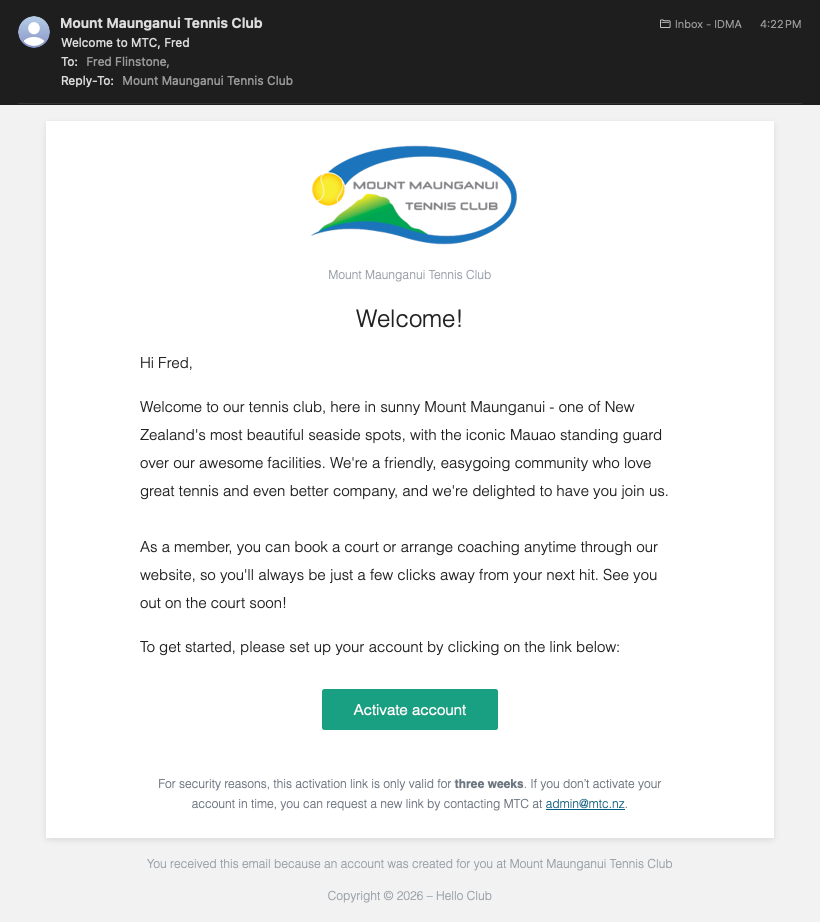
Activate Account Email
When you receive an email prompting you to activate your new account, click the link provided (or copy and Paste into your browser).
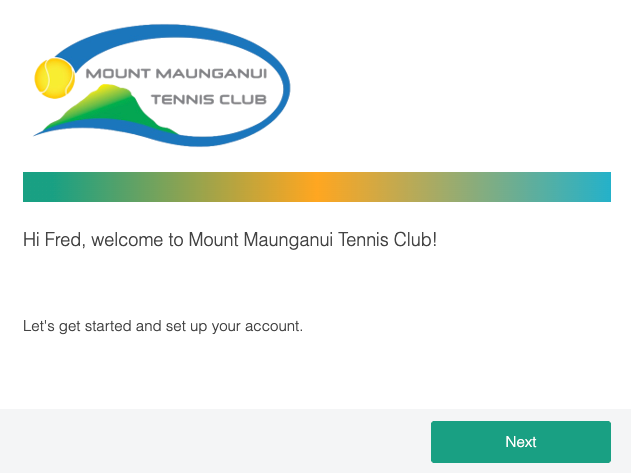
The web page will welcome you to Mount Maunganui Tennis Club.
If this is you (or your child), Press 'Next' to continue.
If this is not or your child, please contact admin@mtc.nz
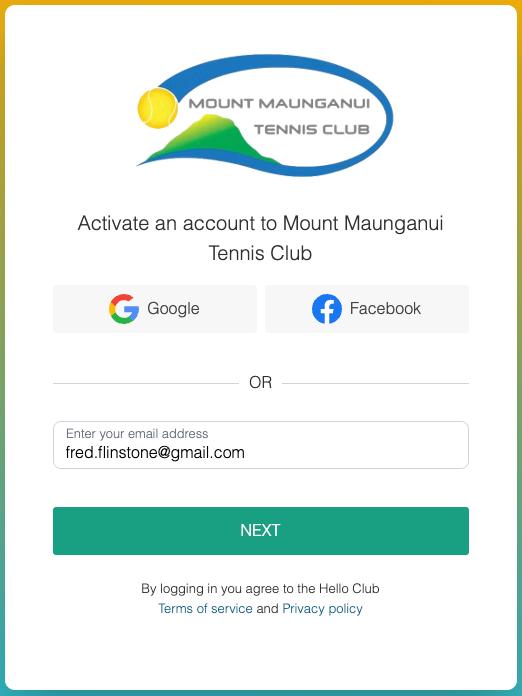
Enter the same email address that the email was sent to.
This should match the email address you provided when enrolling at the club.
You will now be prompted to log on for the first time.
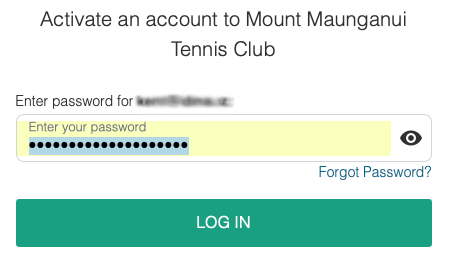
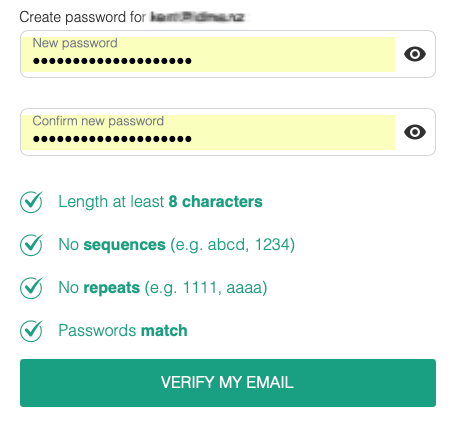
If this is your first time, you will be prompted to create a new password.
When you click 'Confirm', an email will be sent to you with a 6 digit code.
If you have used HelloClub before, then you will be prompted to enter your password.
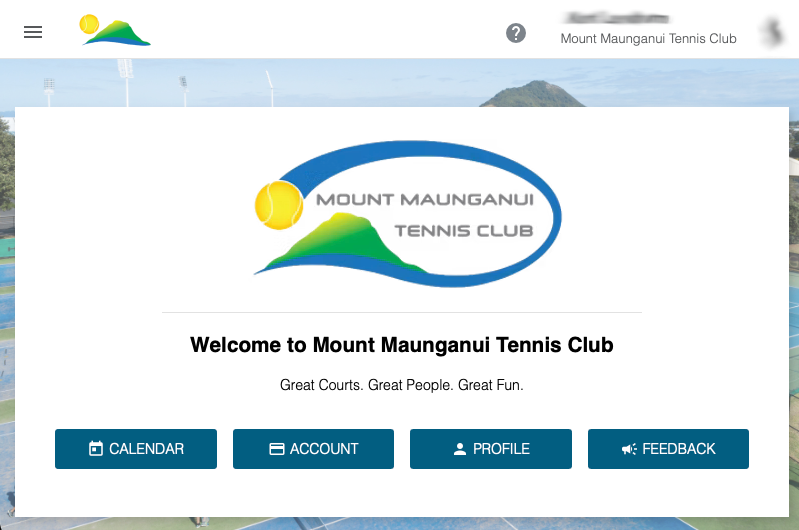
Congratulations and welcome to Mount Maunganui Tennis Club.
You should now be logged on and seeing the clubs home page.
If you have any issues, please take a screen shot and email us at admin@mtc.nz
Linking Accounts
If you have used the same email address for other members in your family, then you will receive a separate email for each of them.
Click the link for each person in your family and complete the registration process.
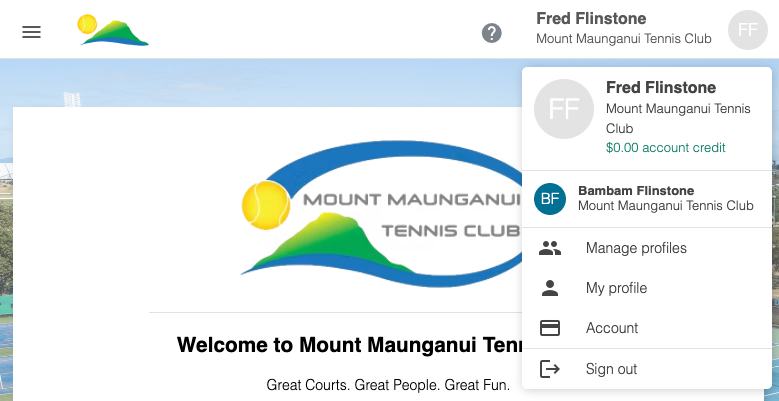
Once you have done this, you will see them under the account menu (top-right).
You can switch between member profiles by selecting them from the menu.