Logon
Click either the 'Sign up' (if not already a member) or 'Login' buttons in the top navigation on this site.
Or visit https://mtc.helloclub.com/
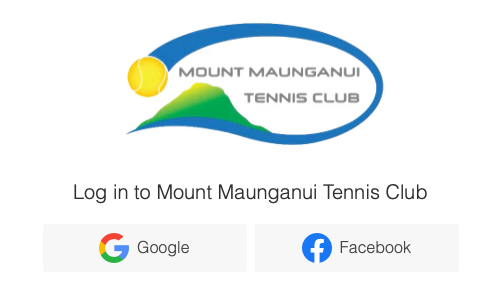
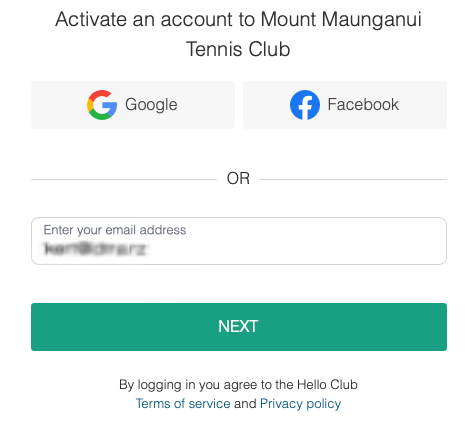
Activate New Account
Enter your email address and click 'Next'
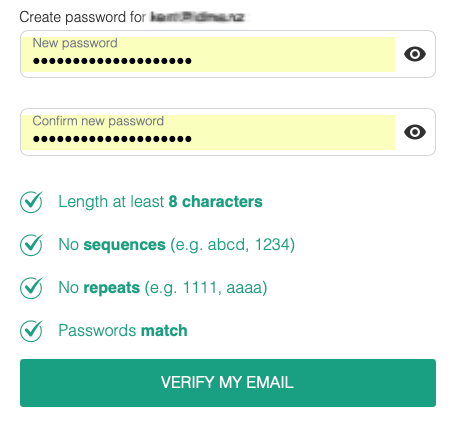
You will be asked to create a new password.
After doing so, click 'Verify My Email'.
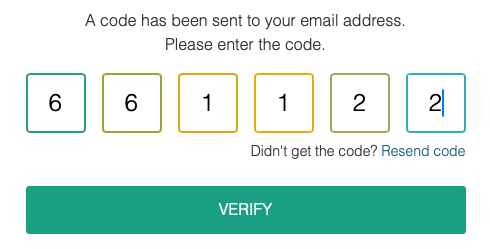
Check your email for the 6 digit code.
Click 'Verify' to proceed.
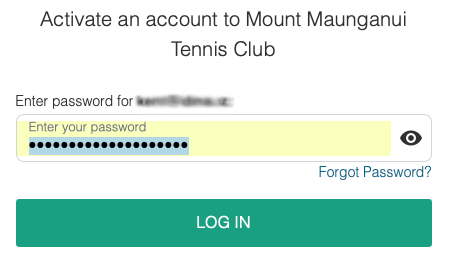
You will now be prompted to log on for the first time.
Register New Profile
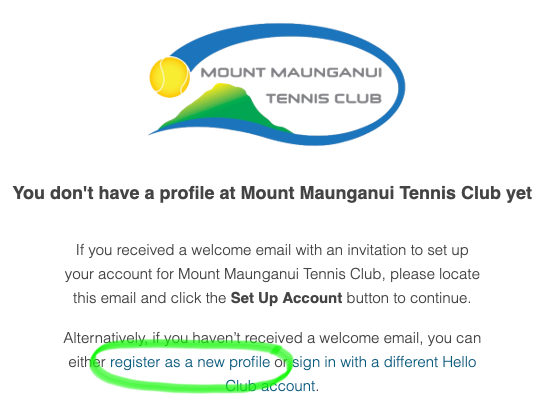
If you don't have a profile at Mount Maunganui Tennis Club, you will be prompted to 'register as a new profile'.
Your profile says who you are and what type of member at the club you are.
Click the 'register as a new profile' link.
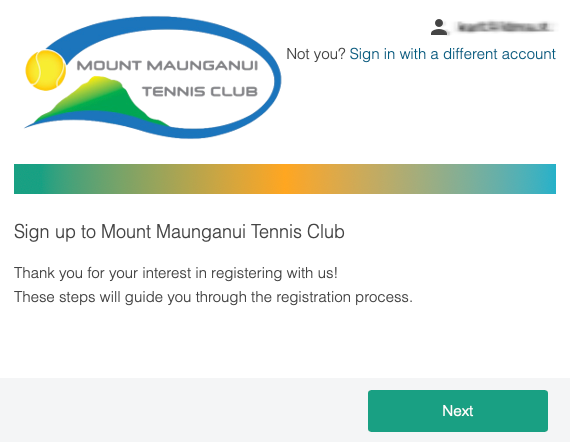
You will be taken through the steps to register your profile.
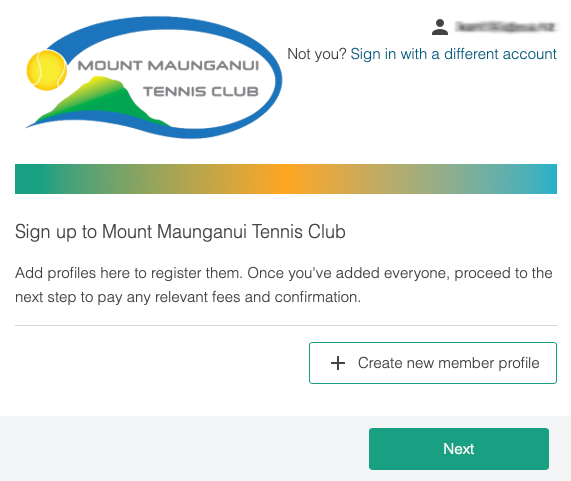
Click 'Next' to proceed.
You will be promoted to 'Create new member profile'.
You will need to repeat this for each person in your family.
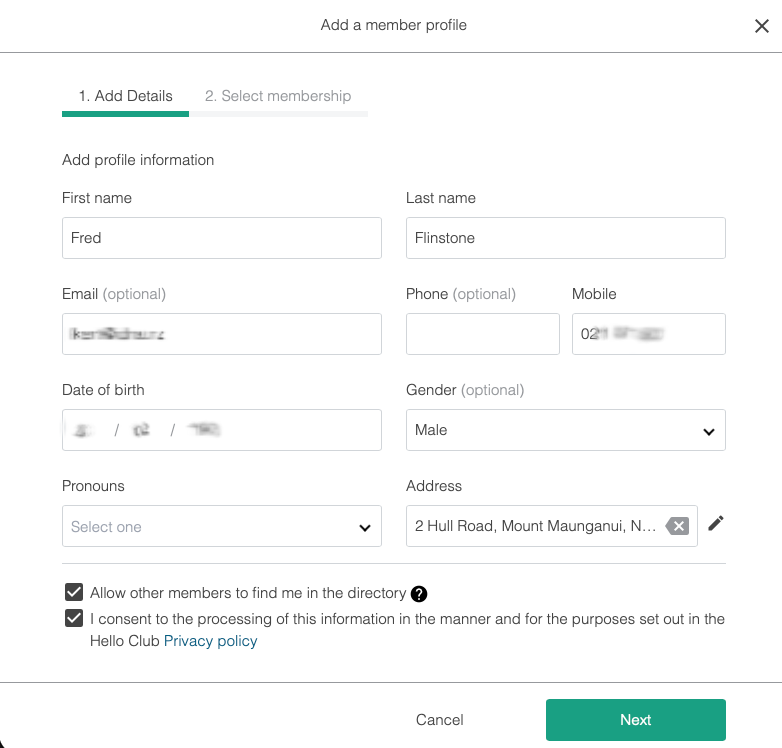
Enter in your details.
Optionally: You can tick the option to allow other members to see you in the clubs directory. This can be useful for other members looking for players.
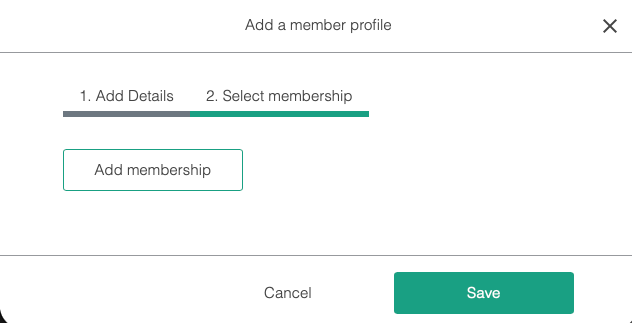
Next, we need to add your membership.
Click the 'Add membership' button.
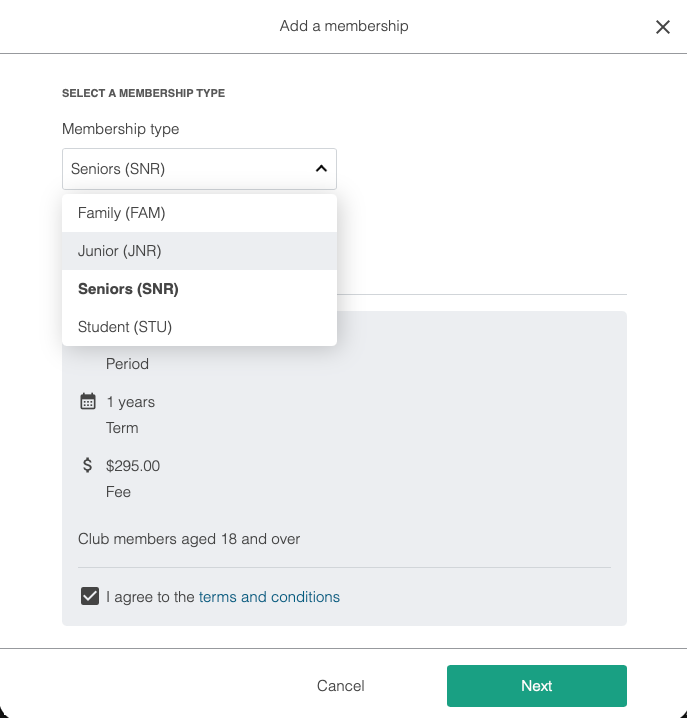
Choose which membership type you are adding from the popup list.
The details (including cost) will show underneath for the option selected.
Agree to the terms and conditions, then click 'Next'.
Review your selection, then click 'Save'.
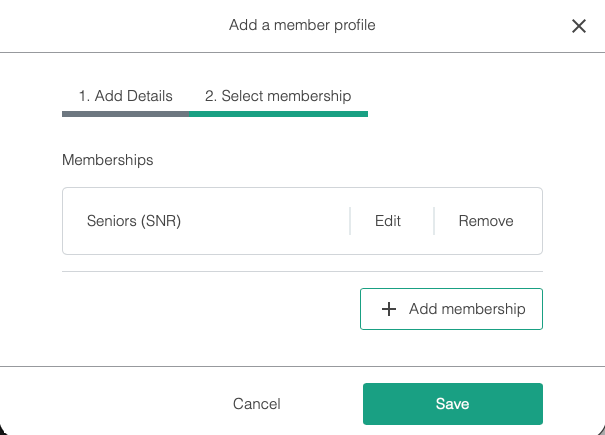
We are back to the profiles screen again.
If you have other members of your family to add, then click 'Add another member profile'.
Otherwise, click 'Next'.
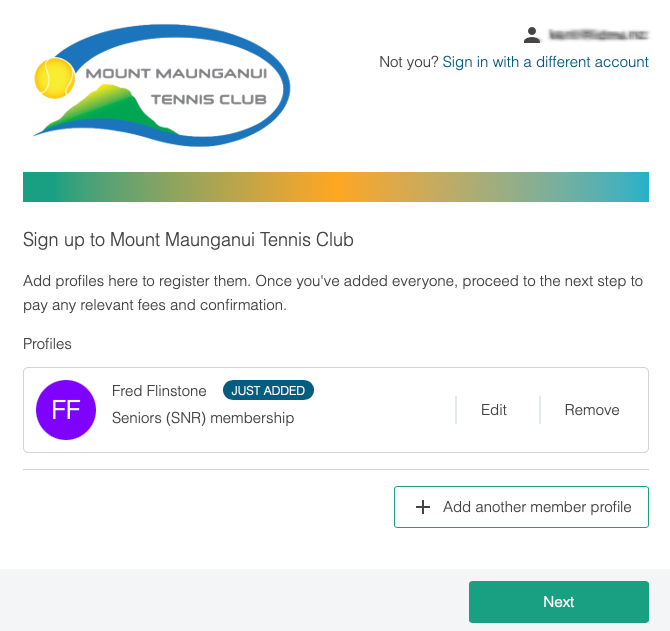
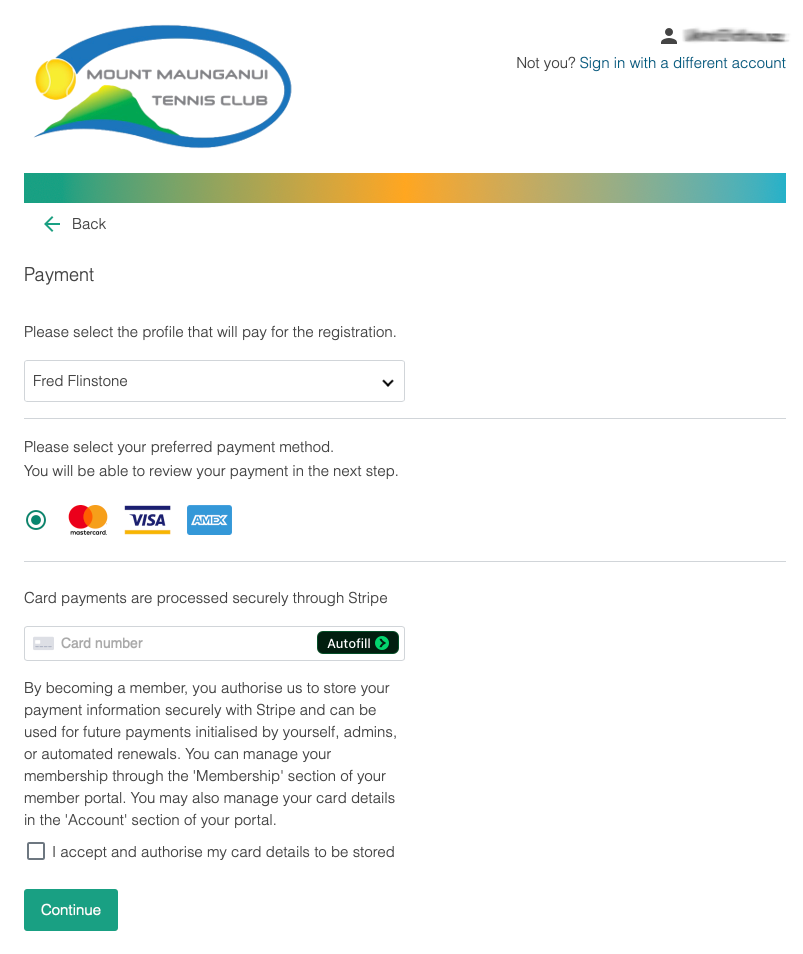
You will now be taken to the online payment screen.
Enter your payment details, click 'I accept...' and then 'Continue'.
Confirm your payment by clicking 'Sign up and pay'
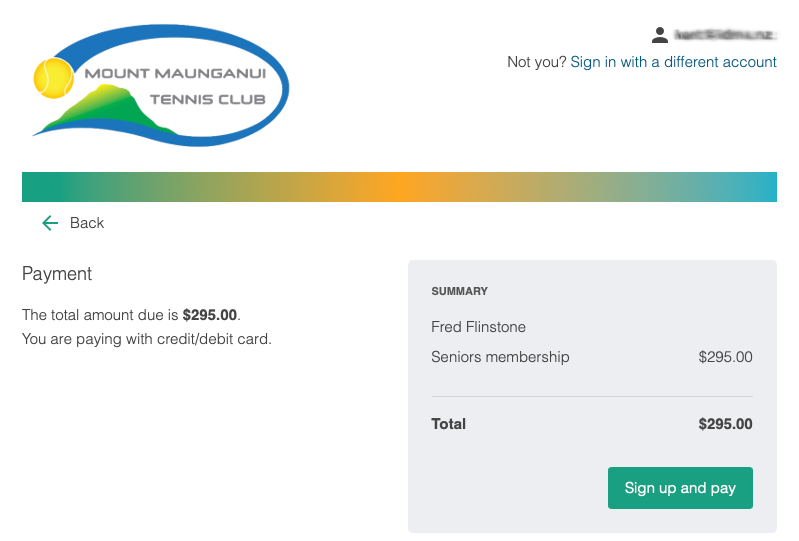
Congratulations and welcome to Mount Maunganui Tennis Club.
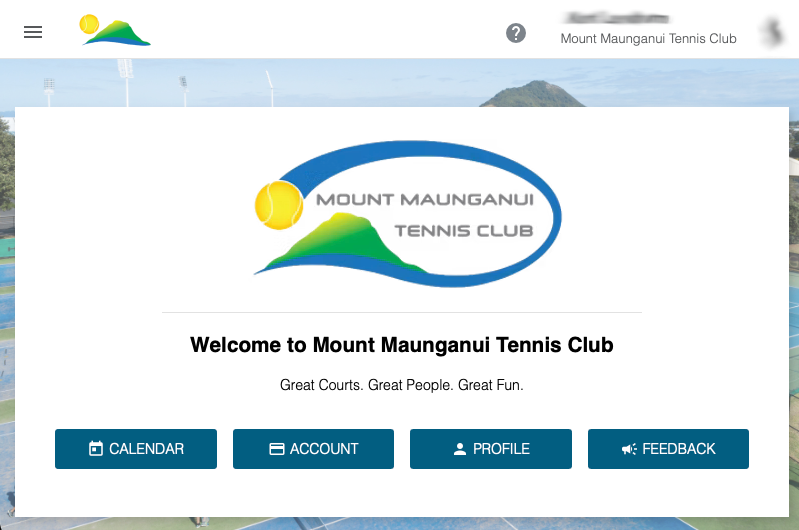
You should now be logged on and seeing the clubs home page.
If you have any issues, please take a screen shot and email us at admin@mtc.nz