Registering a child for Coaching
If you are trying to register your child for a coaching lesson:
Make sure you are logged on.
Make sure your child is linked to your account.
Make sure you have selected your child before booking.
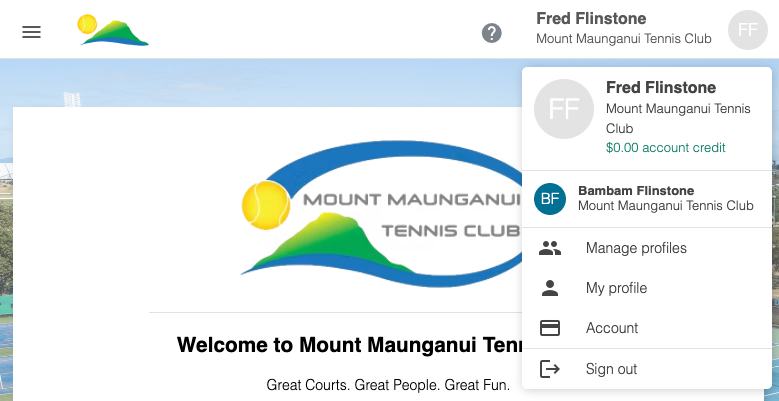
My child isn't showing
If your child isn't showing, then it could be they aren't linked to your account yet. Contact our club administrator to send you the link for your child.
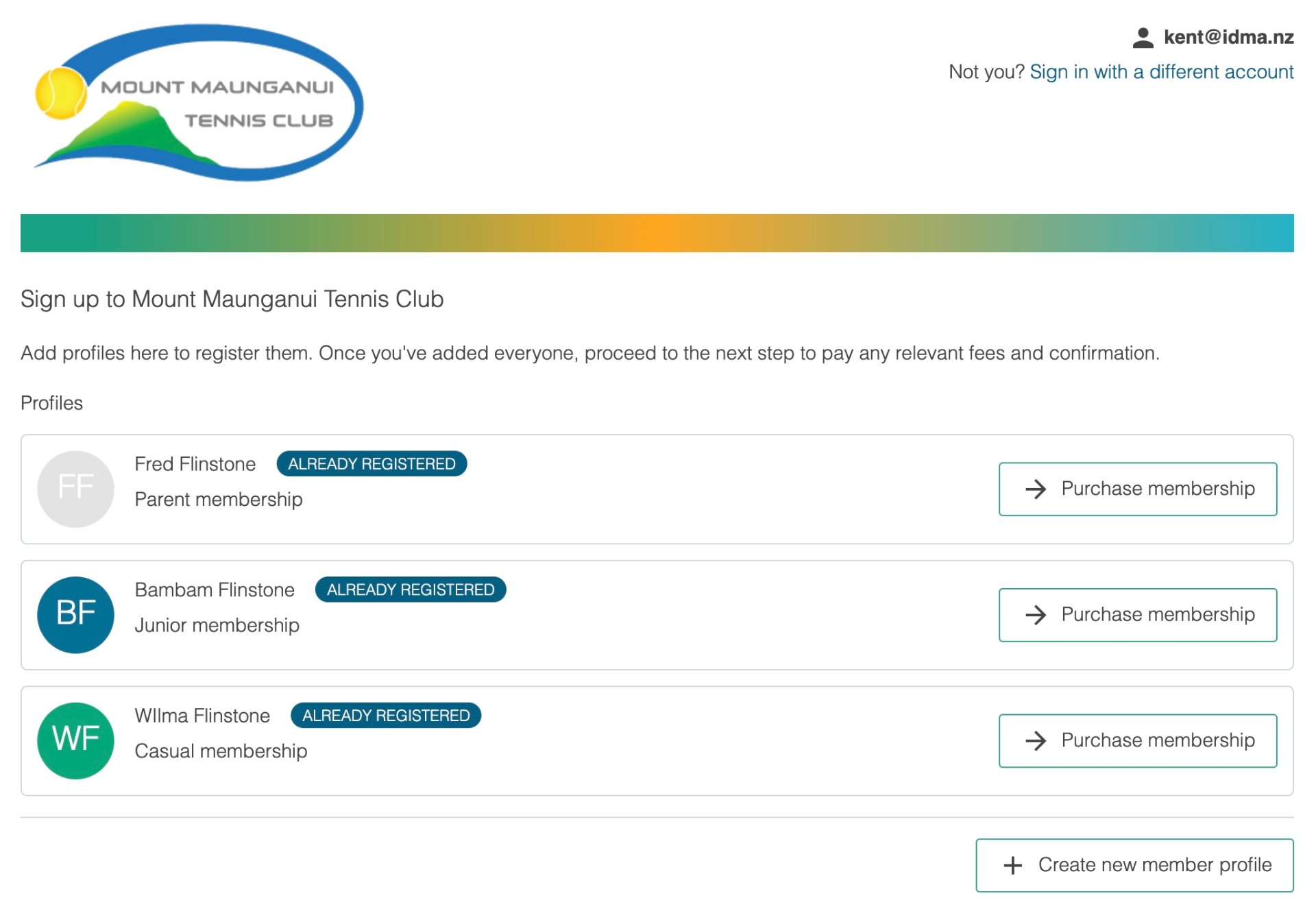
If they don't have a membership, then you may need to register them first.
To to 'Register' and click the '+ Create new-member profile' option.
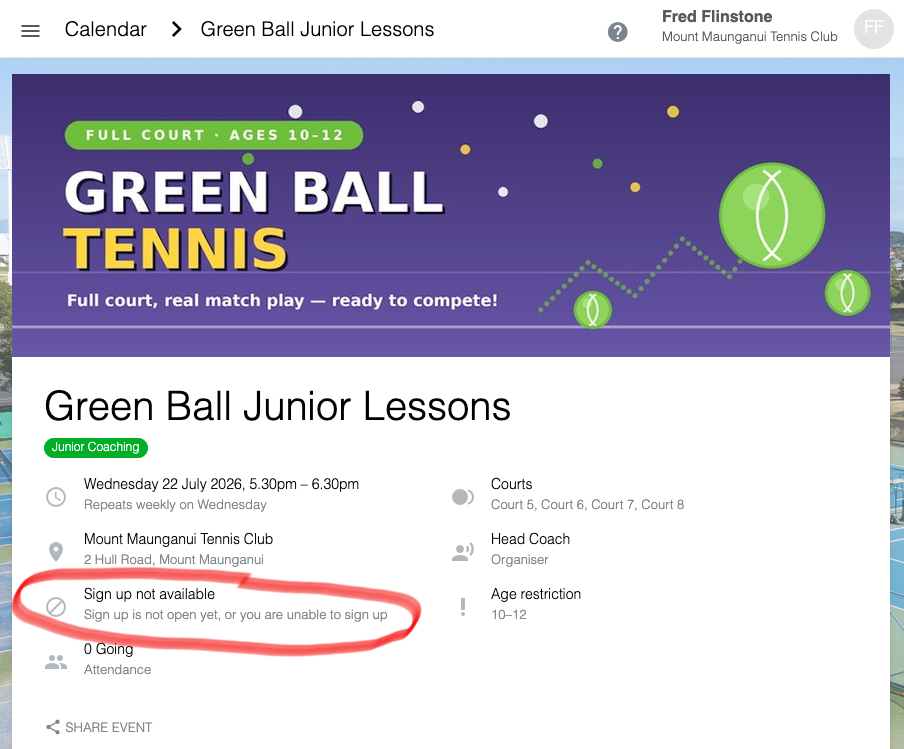
Unable to Sign Up
If you don't see the 'Sign up' button, then check:
The age of your child is within the advertised age range.
The start date of the activity hasn't passed.
The number of attendees already registered.
To ensure good coach to pupil ratios, most group coaching activities have a maximum number of attendees allowed.